The Cardputer Zero I backed on Kickstarter six months ago has finally arrived. The first production batch was only 3,000 units, and my backer number was 10xx, so I got mine in the first shipment.
It’s a card-sized computer based on the Raspberry Pi. I went with the transparent black version, which looks great in person. The keyboard feels good, too, and the whole thing has a bit of a retro computer feel.
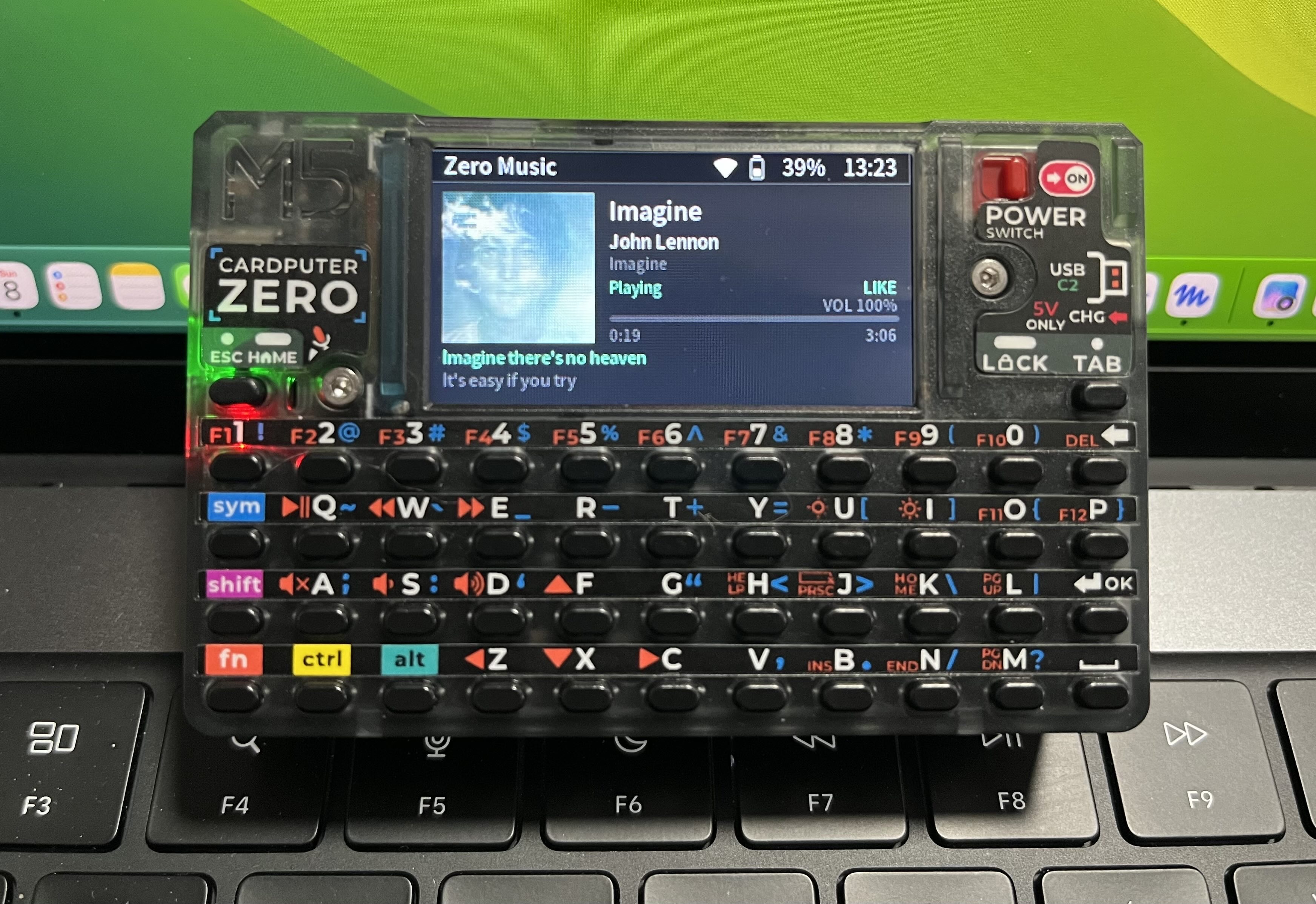
It has a 3.5mm headphone jack, so I wrote a music player for it called Zero Music. Plugging in headphones and listening to music takes me right back to using an MP3 player twenty years ago. I like that feeling. It’s now available in the official app store.
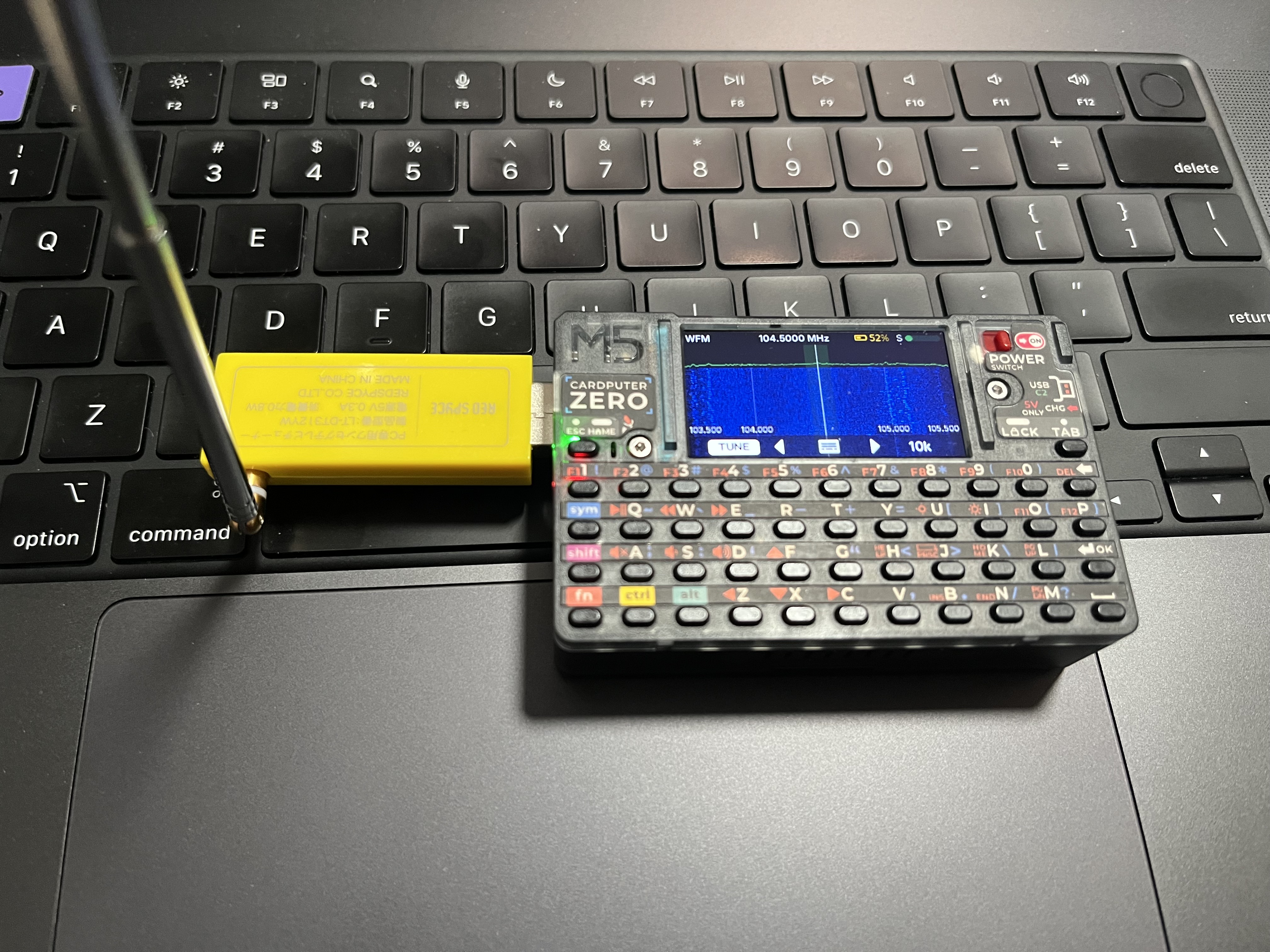
Plug in an SDR receiver and I can use it as a radio or pick up ADS-B signals. It’s small enough to pull out whenever I want to see which planes are overhead.
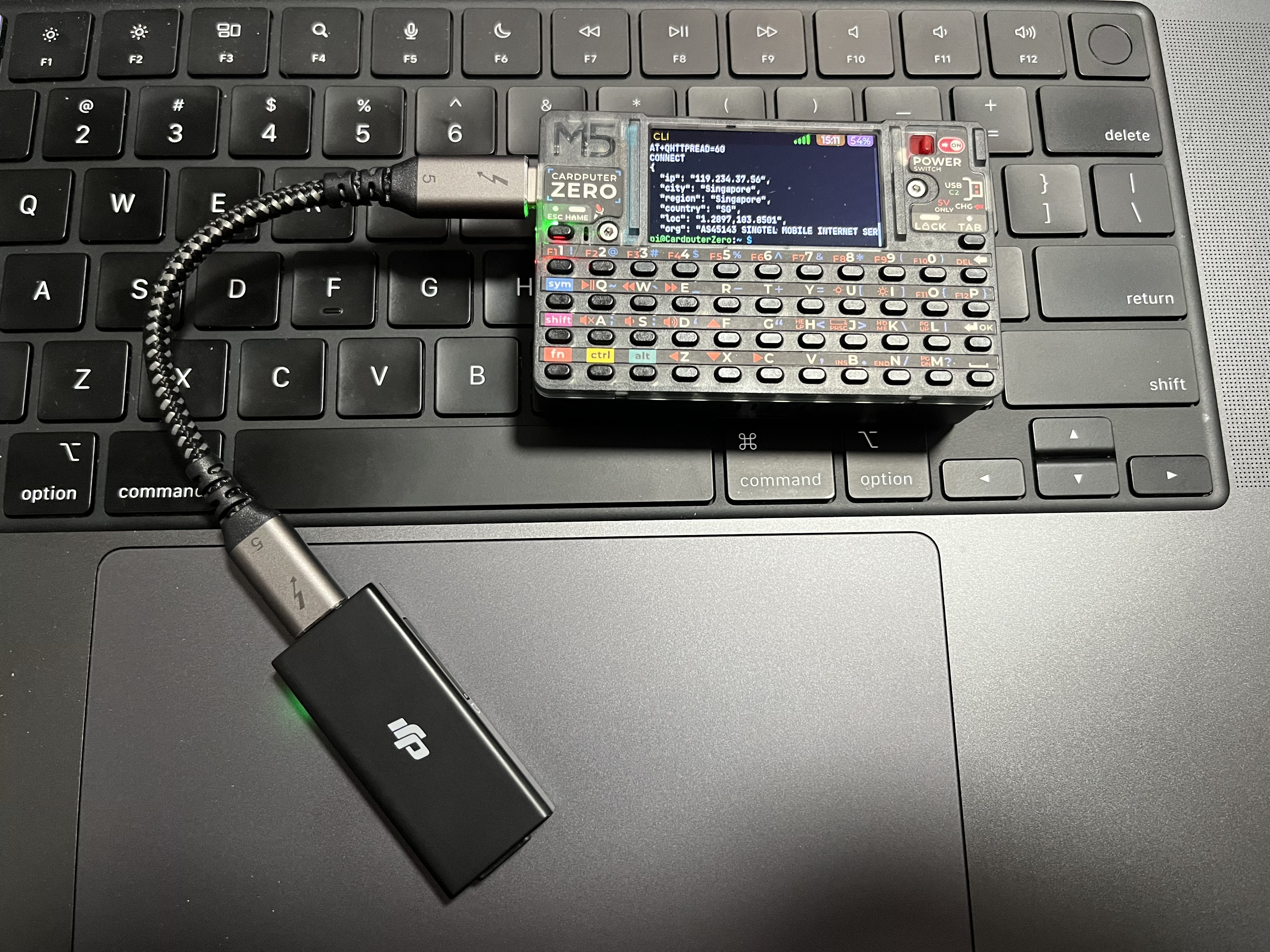
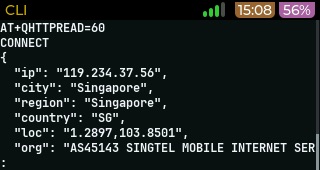
I also have a DJI cellular module. With that plugged in, I can talk to it using AT commands, or switch it to ECM mode and use it as a 4G network adapter. That pretty much makes it a DIY Cardputer Zero 4G.
It also has I2C, UART, SPI and GPIO interfaces. Those should come in handy for some fun embedded projects later.
There’s even an RJ45 Ethernet port, which is handy for me. Next time I need to troubleshoot a network, I can just use this instead of hooking up an Apple USB Ethernet Adapter to my MacBook Pro.
The built-in 3.7V, 1750mAh battery feels a bit small, though. Battery life is on the short side when I’m streaming music over Wi-Fi, and I haven’t matched the runtimes people have shared on Discord.
Charging left me with a few questions. I tried a USB PD charger with a USB-C to USB-C cable, and an old iPad USB-A charger rated at 5V 2A with a USB-A to USB-C cable. I got pretty much the same results from both: only 5V at 0.5A (about 2.5W) when it was off, and 5V at 1A (about 5W) when it was on. The official docs say “Recommended 5V @ 2A for power/charging”. That might just be the recommended charger spec rather than the actual charging power. I’ll need to look into it some more.
It’s a fun little toy. It doesn’t have much horsepower, but there’s plenty to tinker with.
Comments
Read replies from Bluesky here.